What does replace your browser extension stack with toolr cover?
Replace Your Browser Extension Stack With Toolr compares Cheapr AI, Learnr AI, Quizzr AI, Linkedr AI, Explainr AI so readers can choose the right Toolr extension for their workflow.
All Toolr Extensions
Move between Toolr extensions for shopping, language learning, studying, LinkedIn writing, and summarizing without losing the thread.


A practical overview of when Toolr extensions can replace separate tools for shopping, learning, studying, LinkedIn, and summarizing.
This page captures users looking to simplify overloaded Chrome extension stacks.
Cheapr AI is a free Chrome extension that compares prices across retailers, finds working coupon codes, and alerts you when better deals appear without forcing you to leave the page.
Best for: Compare prices and find the best deals automatically while you shop online.
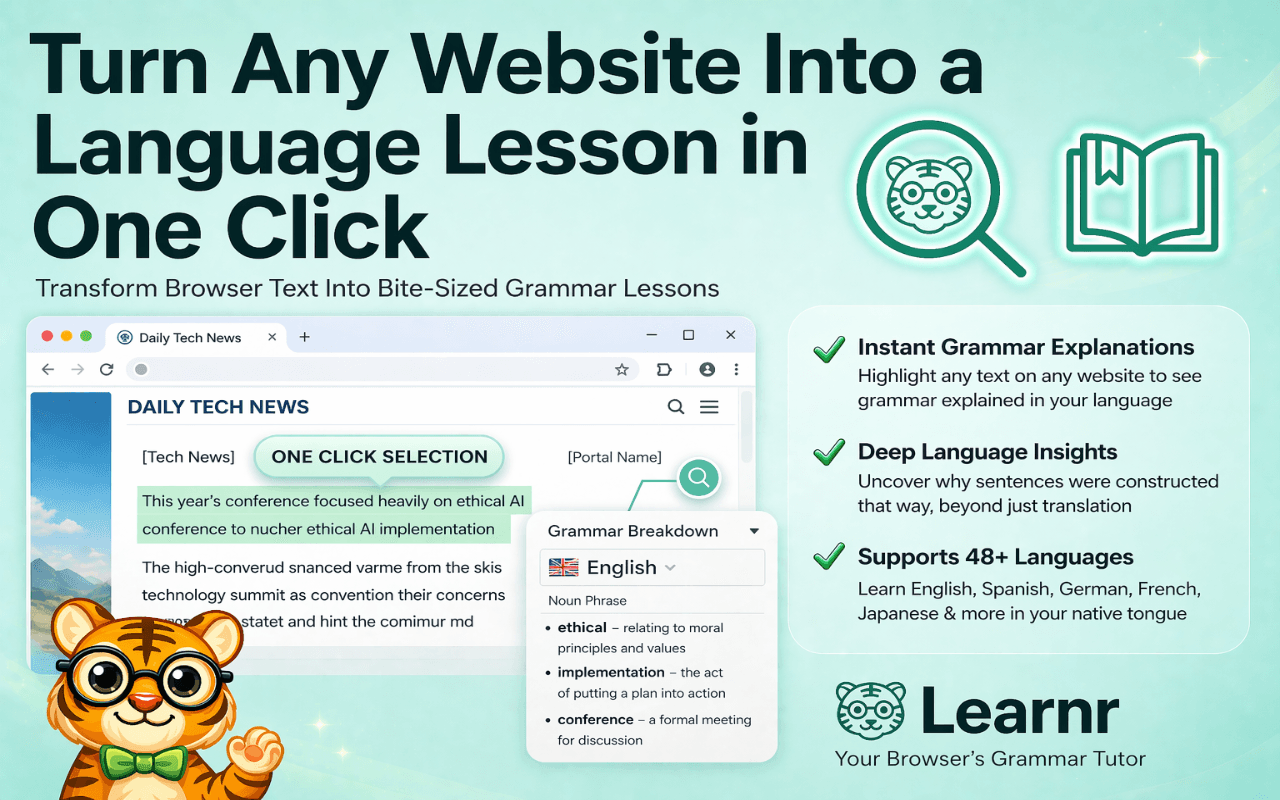
Install Cheapr AILearnr AI is a Chrome extension that teaches vocabulary in context while you browse. It highlights words, explains meaning in place, and helps you build language retention without interrupting your reading flow.
Best for: Learn any language while browsing the web with contextual AI translation.
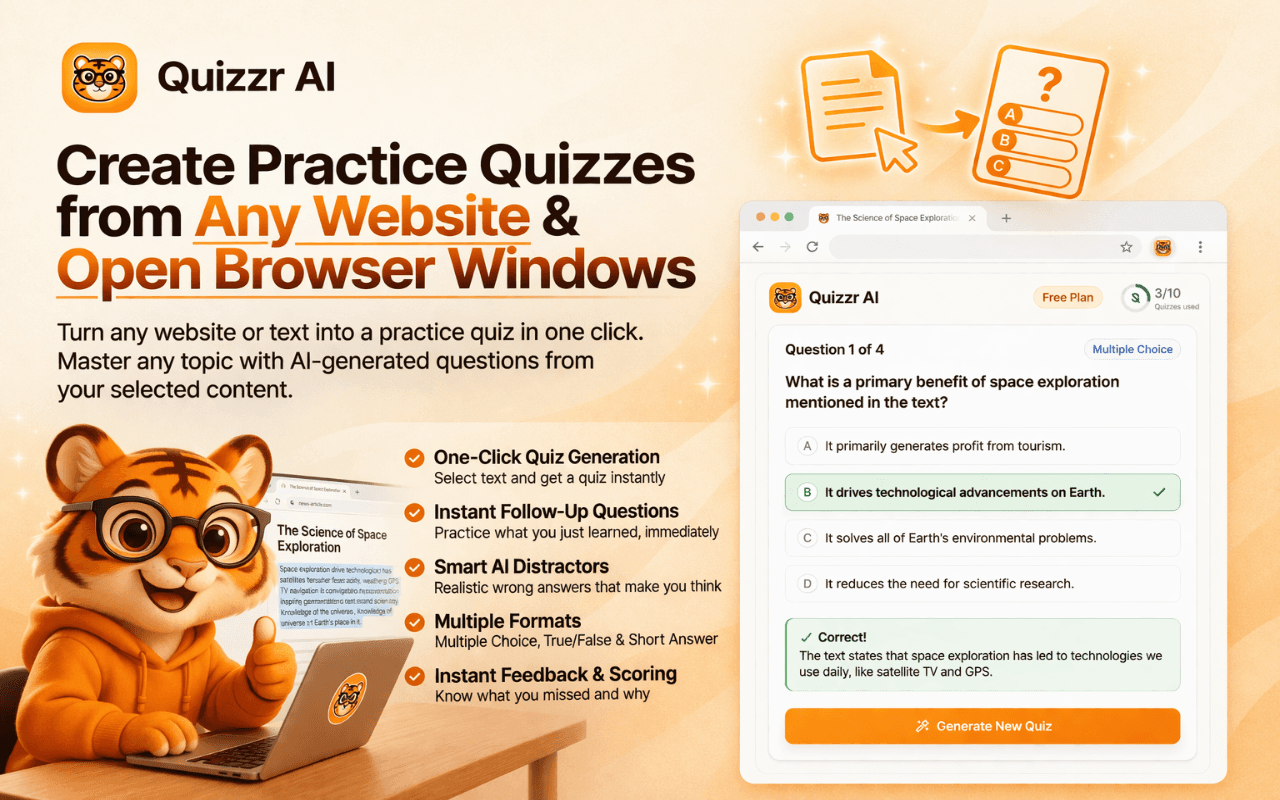
Install Learnr AIQuizzr AI is a browser-based quiz generator that turns reading material into multiple-choice, true-false, and short-answer questions. It is built for students, teachers, and self-learners who retain information best through active recall.
Best for: Turn webpages, PDFs, and transcripts into practice quizzes instantly.
Install Quizzr AILinkedr AI is a LinkedIn writing assistant for Chrome that drafts comments and post ideas from the context already on the screen. It helps professionals stay active on LinkedIn without resorting to generic AI filler.
Best for: Write better LinkedIn comments and posts in your own professional voice.
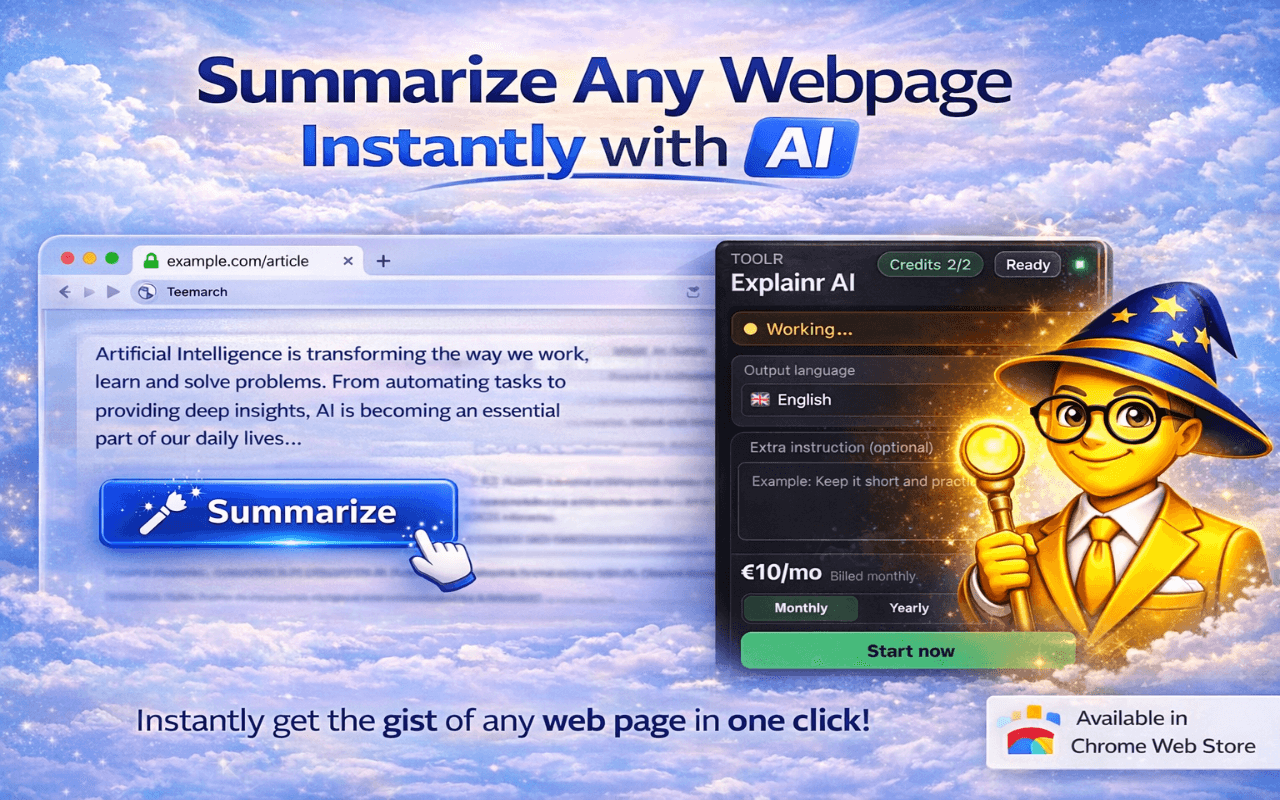
Install Linkedr AIExplainr AI is a Chrome extension for readers who need the key points fast. It summarizes webpages and PDFs, answers questions about what is on the page, and helps make dense material easier to understand inside the browser.
Best for: Summarize, analyze, and clarify webpages or PDFs without leaving Chrome.
Install Explainr AIDecide whether your biggest browser problem is shopping, learning, studying, LinkedIn writing, or summarizing.
Start with the extension that solves the highest-frequency problem in your workflow.
Use the direct install links on this page to add the extension to Chrome.
Because Toolr extensions are specialized, many users eventually combine two complementary products.
Replace Your Browser Extension Stack With Toolr compares Cheapr AI, Learnr AI, Quizzr AI, Linkedr AI, Explainr AI so readers can choose the right Toolr extension for their workflow.
Yes. Each Toolr extension is available from the Chrome Web Store with a free install path.
Yes. The extensions are purpose-built for different jobs, so many users install more than one based on how they browse.
This page captures users looking to simplify overloaded Chrome extension stacks. Start with the extension that best matches the highest-frequency problem you want to solve in Chrome.
Yes. Each comparison page links directly to the relevant Chrome Web Store listings and the corresponding Toolr landing pages.
Keep exploring
Find more Toolr guides, comparisons, workflows, and practical answers related to this topic.
Cheapr AI is the first recommendation on this page. Install it first if you want the fastest path from comparison to action.
Add Cheapr AI to Chrome