Does Linkedr AI make LinkedIn comments sound human?
Yes. Linkedr AI is positioned around context-aware comments that read more specific and less generic than typical one-click AI output.
All Toolr Extensions
Move between Toolr extensions for shopping, language learning, studying, LinkedIn writing, and summarizing without losing the thread.

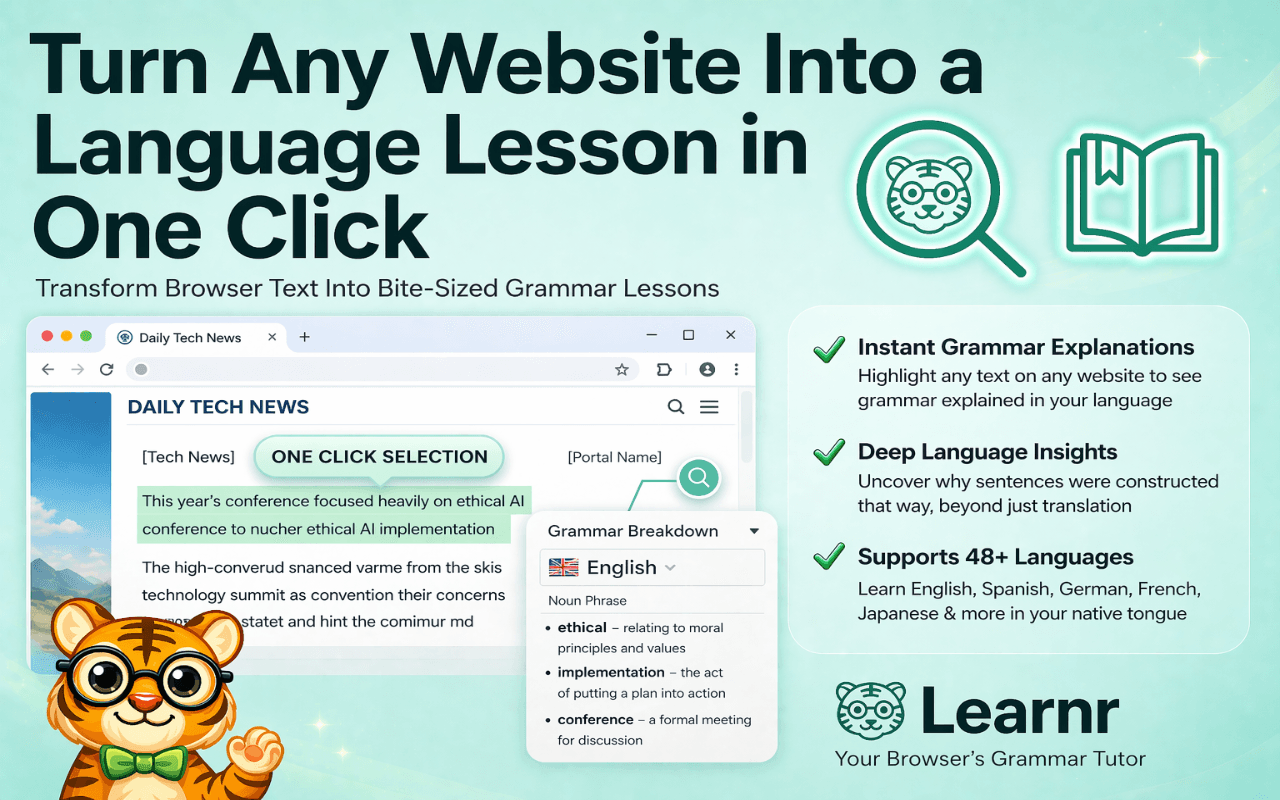
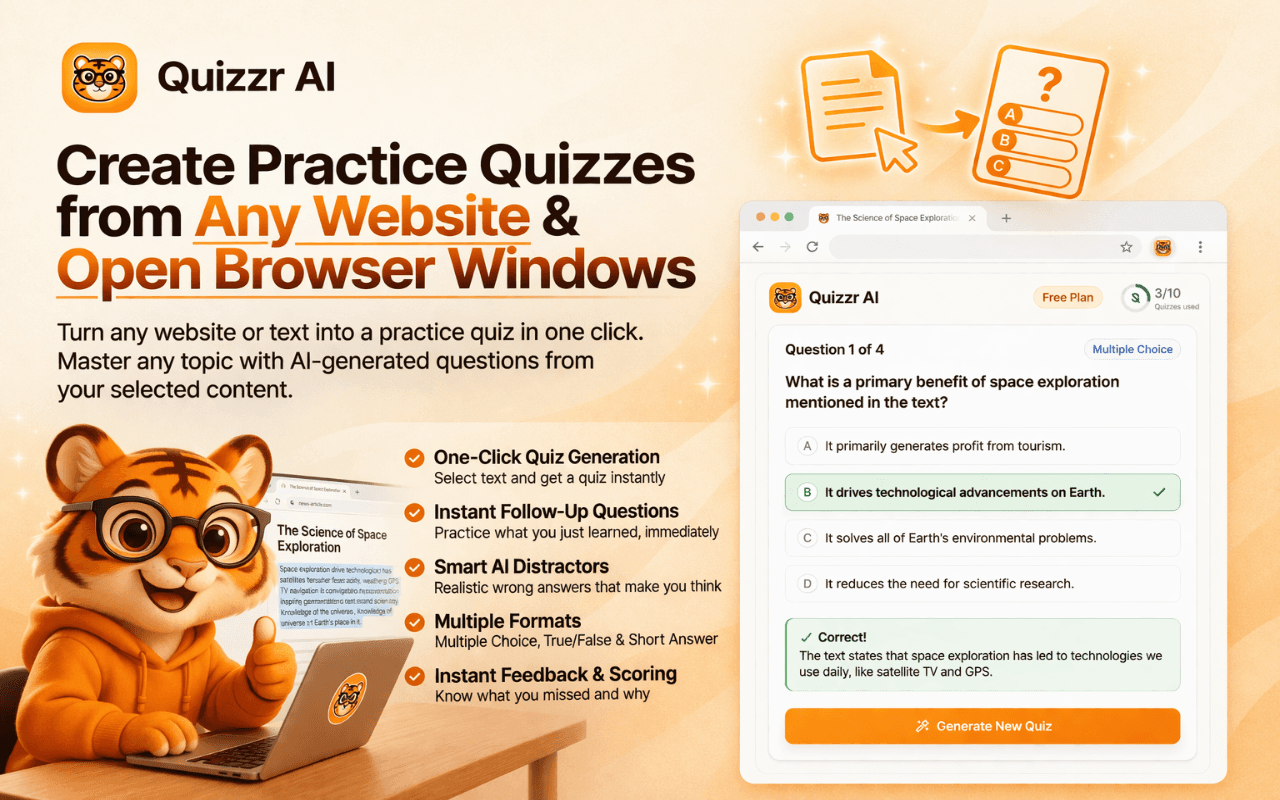
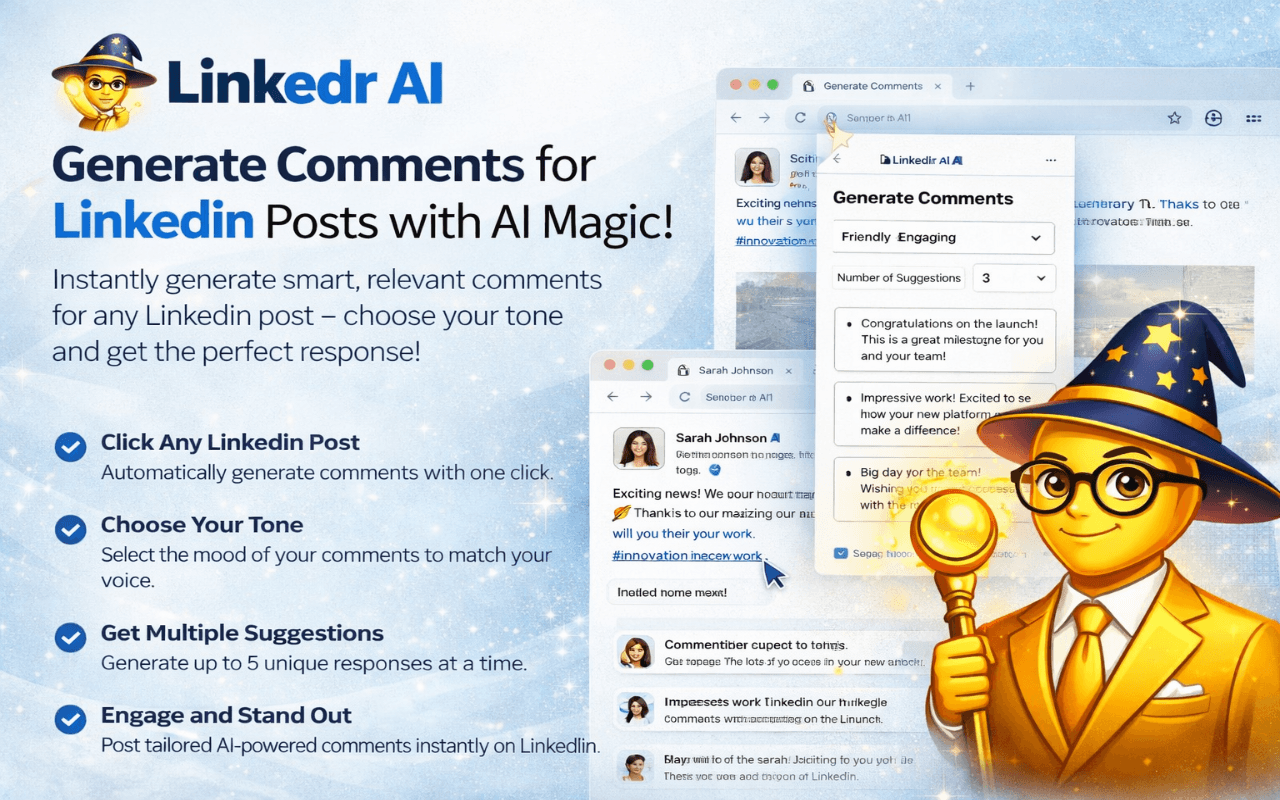
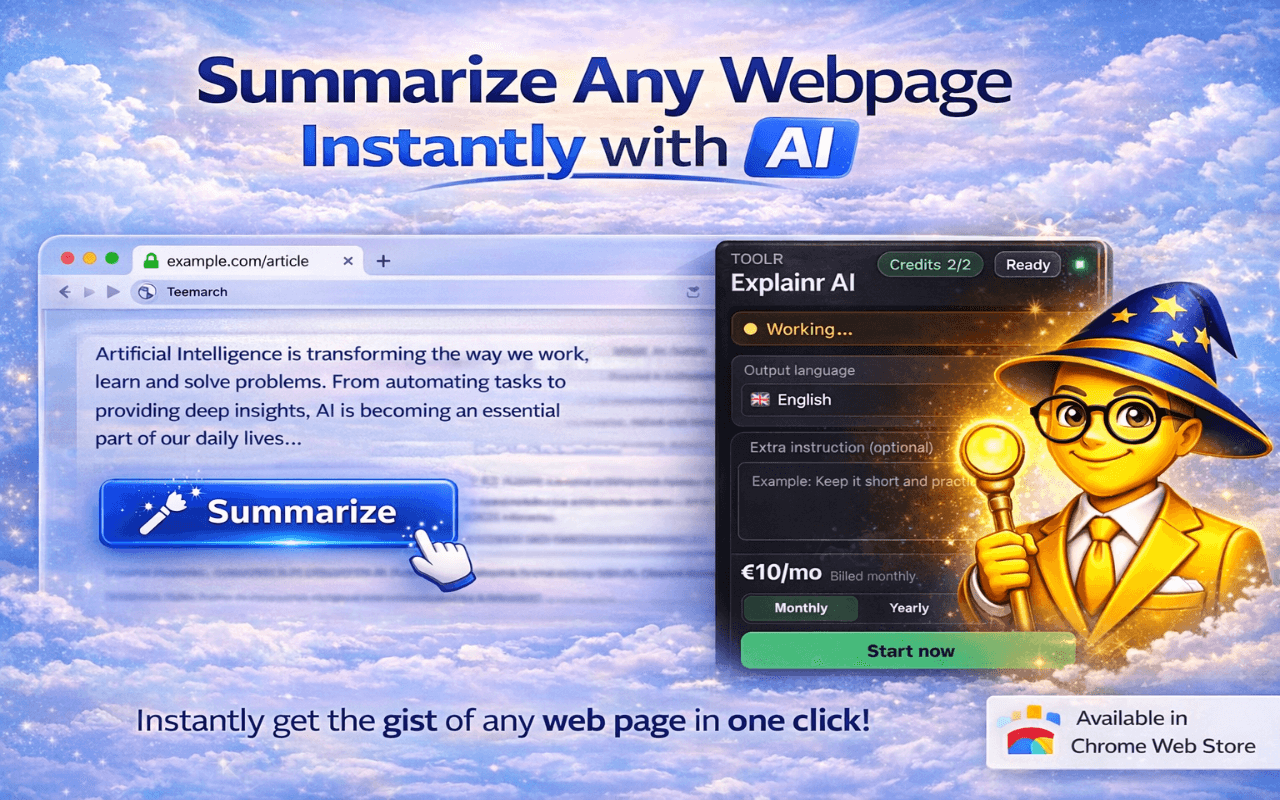
Linkedr AI is worth trying if you need write better linkedin comments and posts in your own professional voice. The main reason is simple: it moves that task into Chrome itself instead of sending you into a separate tool.
Linkedr AI is strongest when the browser is already where the work happens. That makes the workflow feel faster and lighter than tools that ask you to switch tabs, paste text, or manage a separate dashboard.
The tradeoff is specialization. If you want a giant all-in-one platform, a broader competitor may offer more adjacent features. If you want the core job done inside Chrome with less friction, Linkedr AI is the stronger fit.
Browser extensions are best when they are used frequently enough to replace a repeating manual habit. If you only need this workflow once a month, the value will feel lower. If you do it daily, the time savings compound quickly.
Open the Chrome Web Store listing for Linkedr AI and click "Add to Chrome". Installation takes a few seconds.
Linkedr AI is designed to work inside your normal browsing flow, so the next step is simply visiting the relevant site or document.
Activate Linkedr AI from the Chrome toolbar or the page overlay and let it handle the task without forcing you into another app.
Take the suggested output, summary, comparison, or draft and continue your workflow without extra copy-paste.
Yes. Linkedr AI is positioned around context-aware comments that read more specific and less generic than typical one-click AI output.
Linkedr AI is framed as a writing assistant, not an auto-posting bot. Users still review and publish messages themselves.
Yes. The product can support both comments and post drafting.
It uses the visible post context plus your preferred voice cues to shape a draft that feels more native to your style.
Yes. Linkedr AI offers a free tier with premium customization and volume upgrades.
Keep exploring
Find more Toolr guides, comparisons, workflows, and practical answers related to this topic.
Linkedr AI is available in the Chrome Web Store and starts working inside your normal browsing workflow in seconds.
Add Linkedr AI to Chrome