What are the best alternatives to Explainr AI?
The most searched alternatives depend on the category, but the names users compare most often against Explainr AI are ChatGPT, Claude.ai, Perplexity AI, TLDR This, Summari, Kagi Summarizer.
All Toolr Extensions
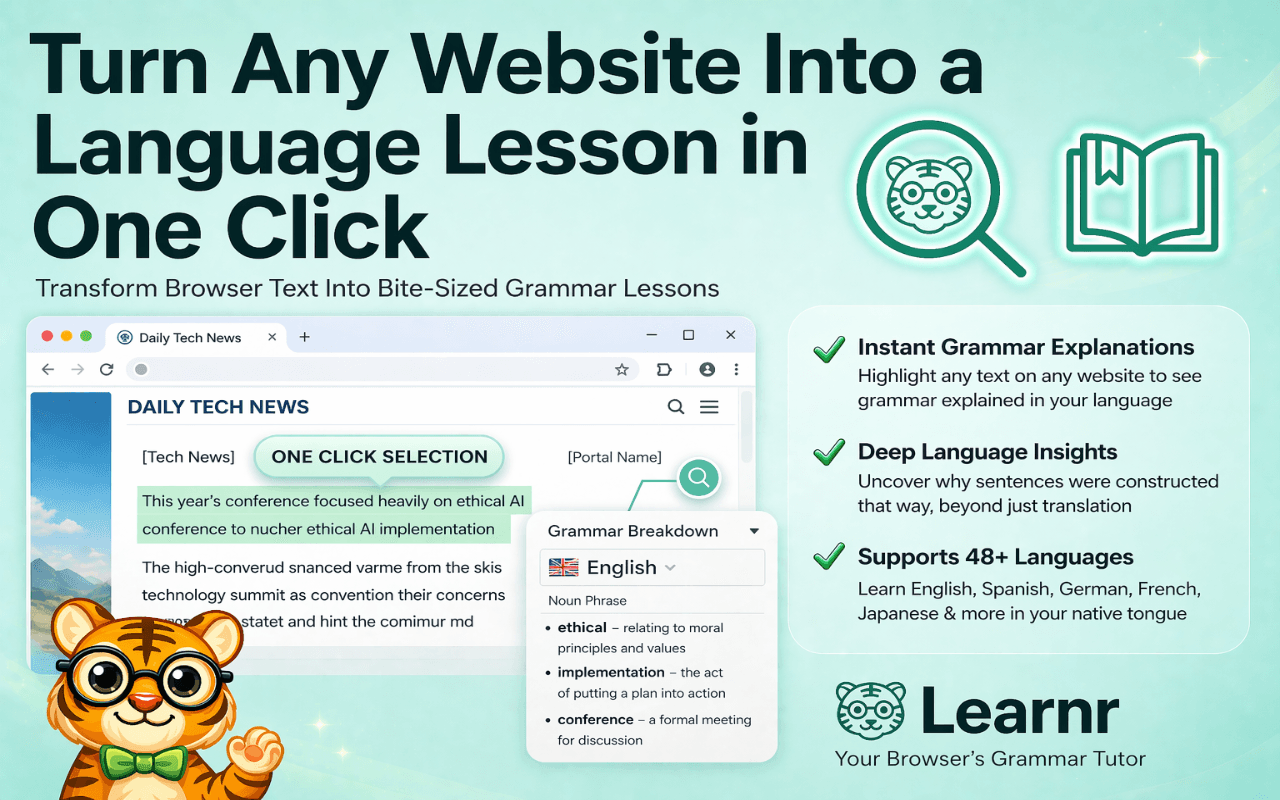
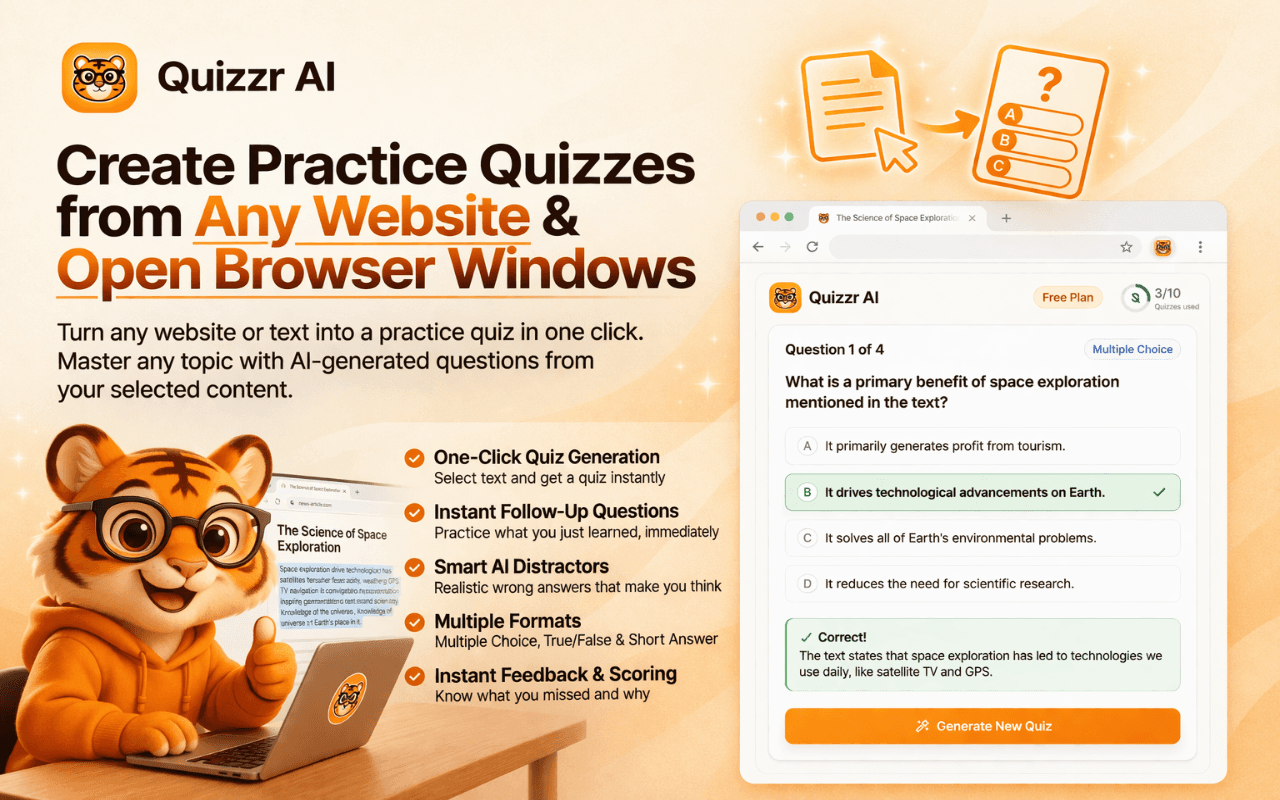
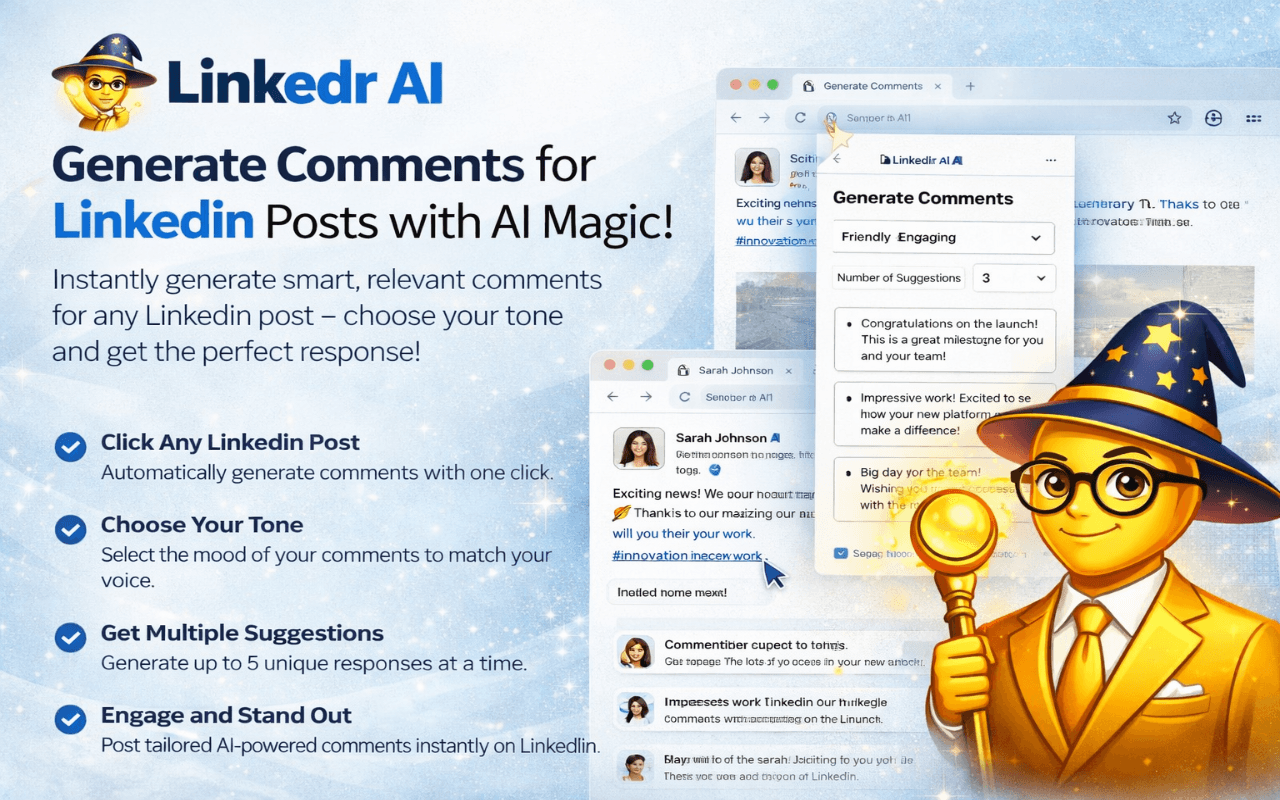
Move between Toolr extensions for shopping, language learning, studying, LinkedIn writing, and summarizing without losing the thread.

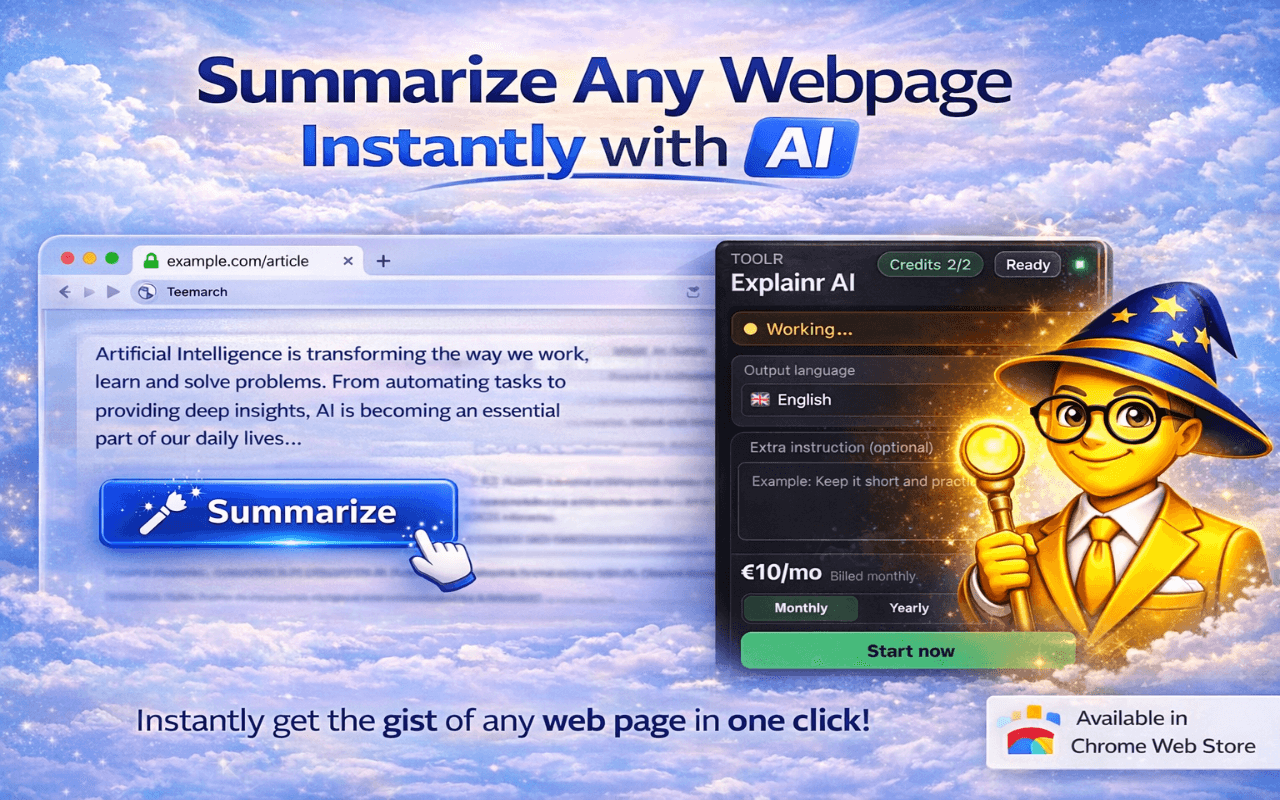
If you are comparing Explainr AI with competing tools, the main decision is whether you want a focused Chrome workflow or a broader platform with more setup. Explainr AI usually wins on speed and in-browser convenience.
| Feature | Alternative | Why users keep looking |
|---|---|---|
| ChatGPT | ChatGPT | Excellent general AI, but it still usually requires leaving the page and copying text around. |
| Claude.ai | Claude.ai | Strong analysis, but not naturally embedded into the live page you are reading. |
| Perplexity AI | Perplexity AI | Search-oriented rather than optimized for the specific document already on your screen. |
| TLDR This | TLDR This | More limited in interactivity and less useful for PDF plus Q-and-A workflows. |
| Summari | Summari | Lighter summarization with less depth and fewer follow-up capabilities. |
| Kagi Summarizer | Kagi Summarizer | Tied to a broader paid search ecosystem rather than a universal Chrome workflow. |
The most searched alternatives depend on the category, but the names users compare most often against Explainr AI are ChatGPT, Claude.ai, Perplexity AI, TLDR This, Summari, Kagi Summarizer.
Explainr AI is best when you want a focused Chrome-native workflow instead of a broader tool that adds more setup and more moving parts.
Yes. Explainr AI is built for the pages you are already reading inside Chrome.
Yes. It is positioned to summarize PDFs opened directly in Chrome without a separate upload workflow.
Yes. Explainr AI includes a Q-and-A workflow grounded in the current page content.
Keep exploring
Find more Toolr guides, comparisons, workflows, and practical answers related to this topic.
Explainr AI is available in the Chrome Web Store and starts working inside your normal browsing workflow in seconds.
Add Explainr AI to Chrome